Smart input, voice drafts and keyboard effects
Preview one demonstrates voice and text input, email expression controls, Emoji rewriting, multilingual translation and keyboard effects.
Watch and read the description →
AI keyboard · iPhone / iPad / Mac
NanoMouse is a Rime and AI keyboard for iPhone and iPad, with a companion Mac workspace. Type with local correction, turn speech into drafts, rewrite and translate text, and reuse prompts, files and clipboard material across your devices.
NanoMouse · 2026.11
NanoMouse is a Rime and AI keyboard for iPhone and iPad, with a companion Mac workspace. It connects local input and correction, voice drafts, rewriting, translation, Byte Paste, cross-device clipboard workflows and creative material.
Preview one demonstrates voice and text input, email expression controls, Emoji rewriting, multilingual translation and keyboard effects.
Watch and read the description →Preview two shows target-language choices, translating copied foreign-language messages, sequential snippet reuse and privacy-related screens.
Watch and read the description →Preview three demonstrates copying, receiving and pasting between sample devices with different Apple IDs, plus cipher tools and the Morse keyboard.
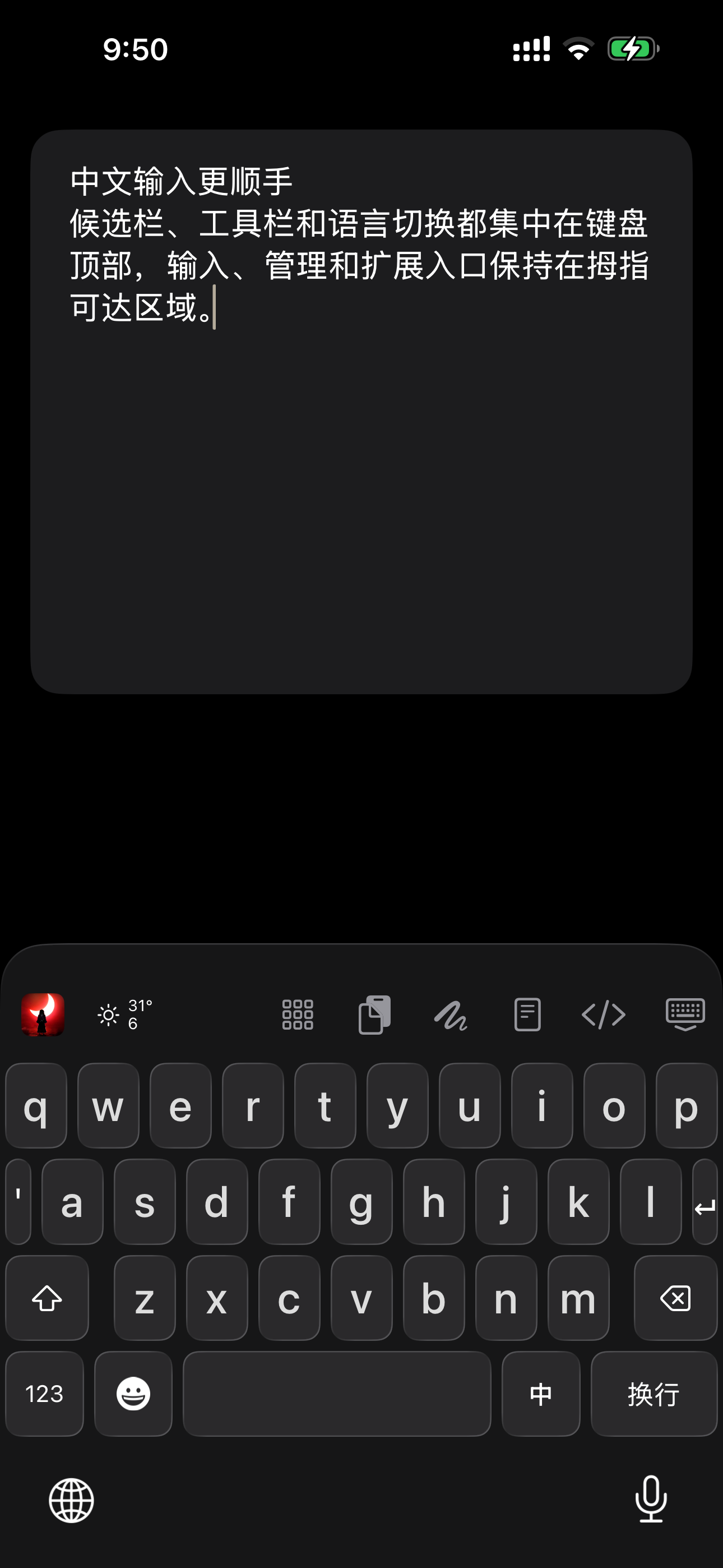
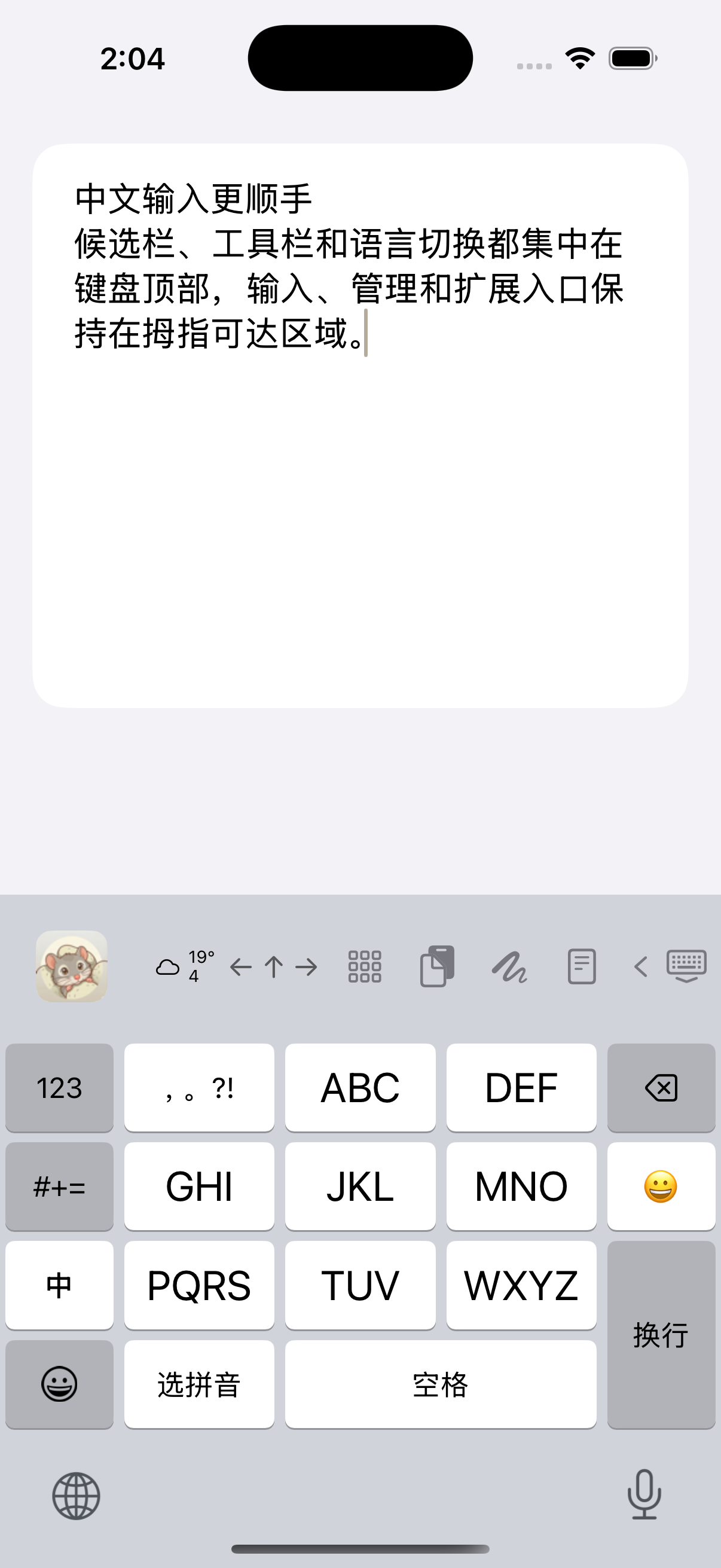
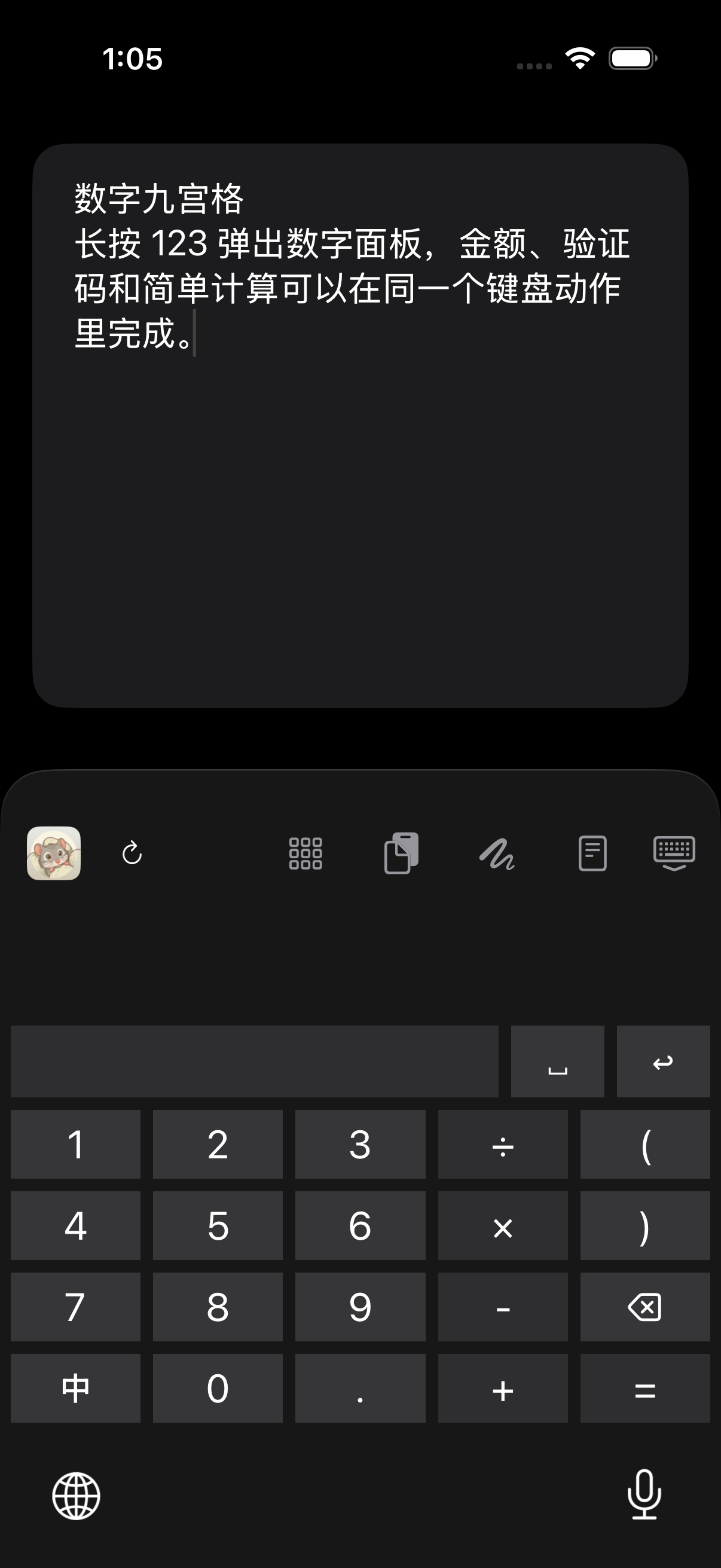
Watch and read the description →NanoMouse combines Rime Pinyin and Double Pinyin, Chinese 26-key and 9-key layouts, Chinese/Japanese/English input, local correction and customizable keyboard appearance on iPhone and iPad.
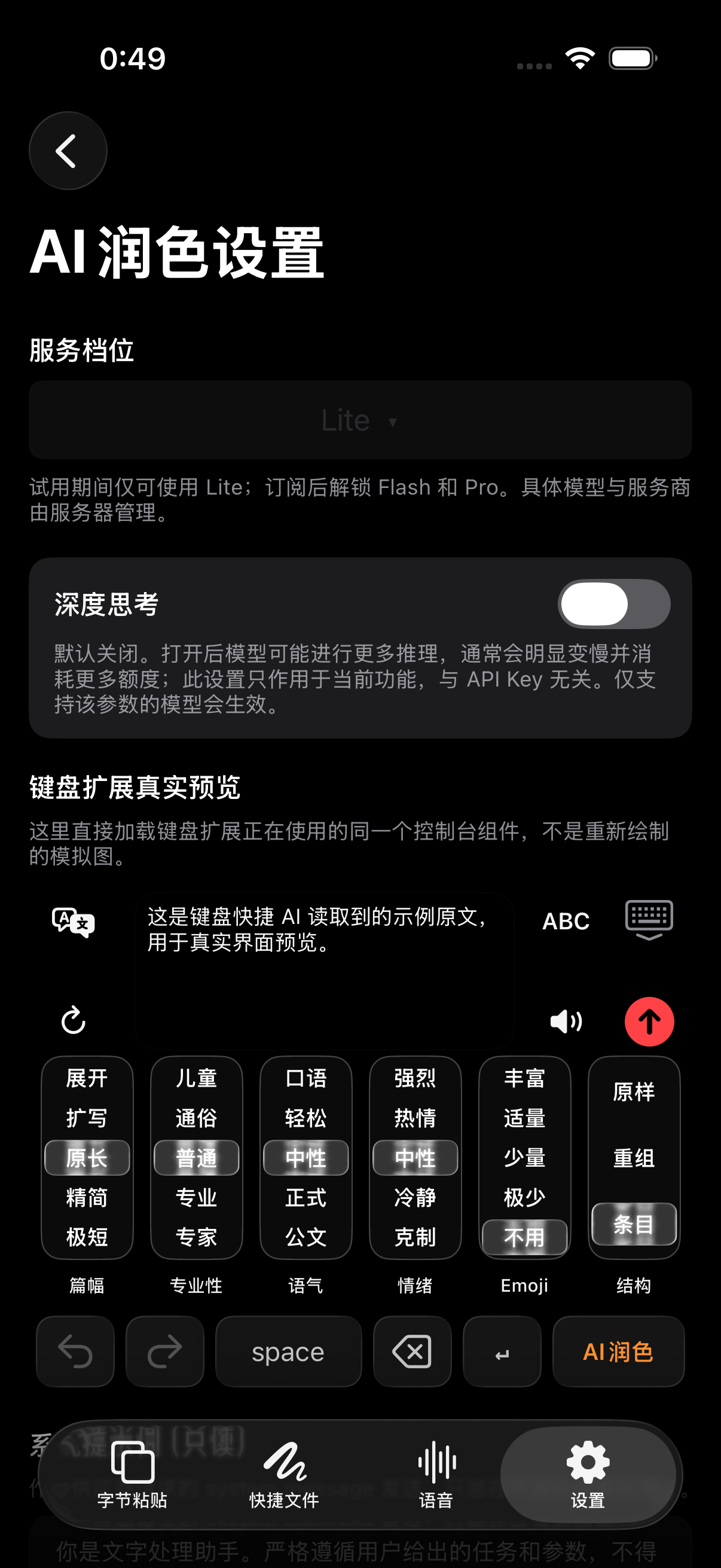
Rewrite and extend drafts, control length, formality, tone, emotion, Emoji and structure, and use candidate or multi-target translation within a NanoMouse input workflow.
NanoMouse offers speech-to-text and cleanup, two-way conversation translation, and text-to-speech creation with voice selection and multi-speaker dialogue.
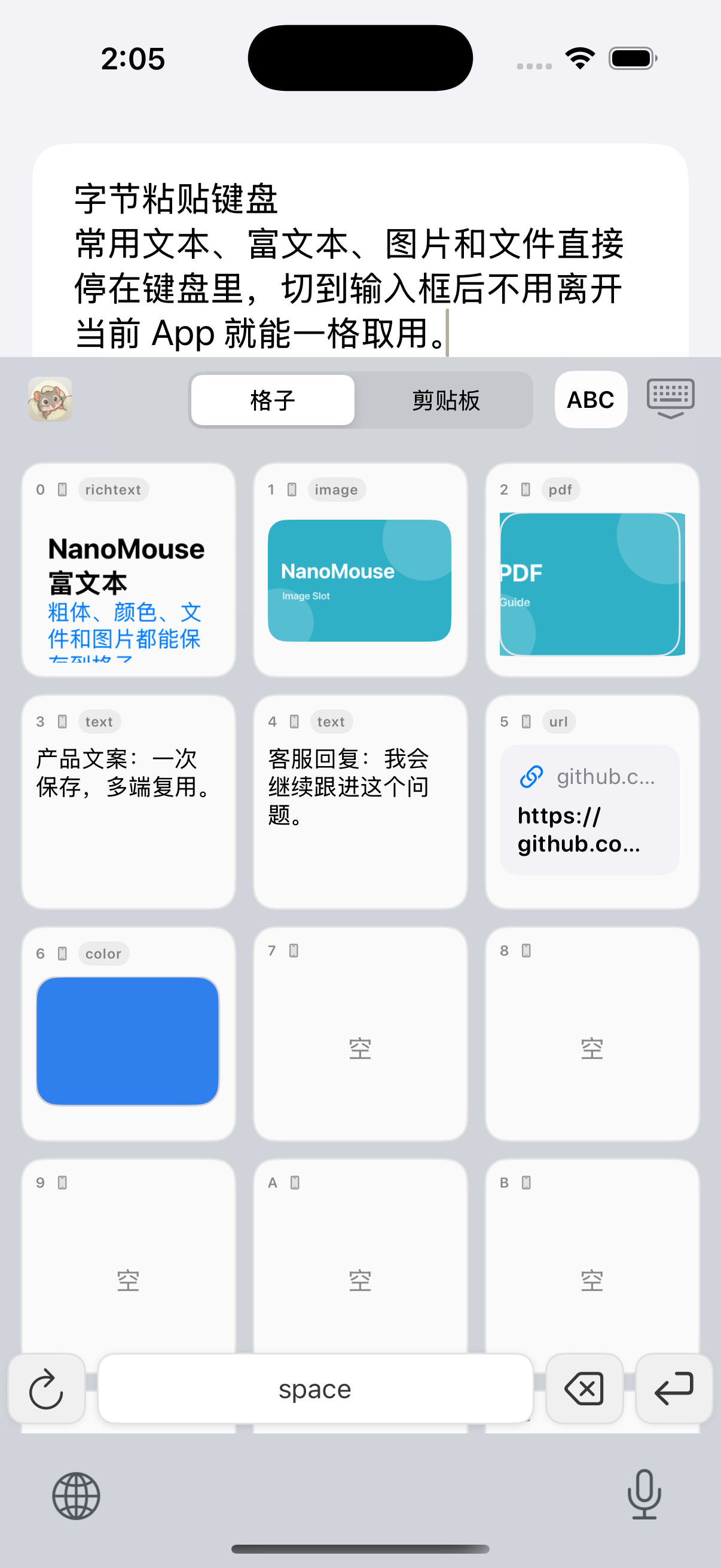
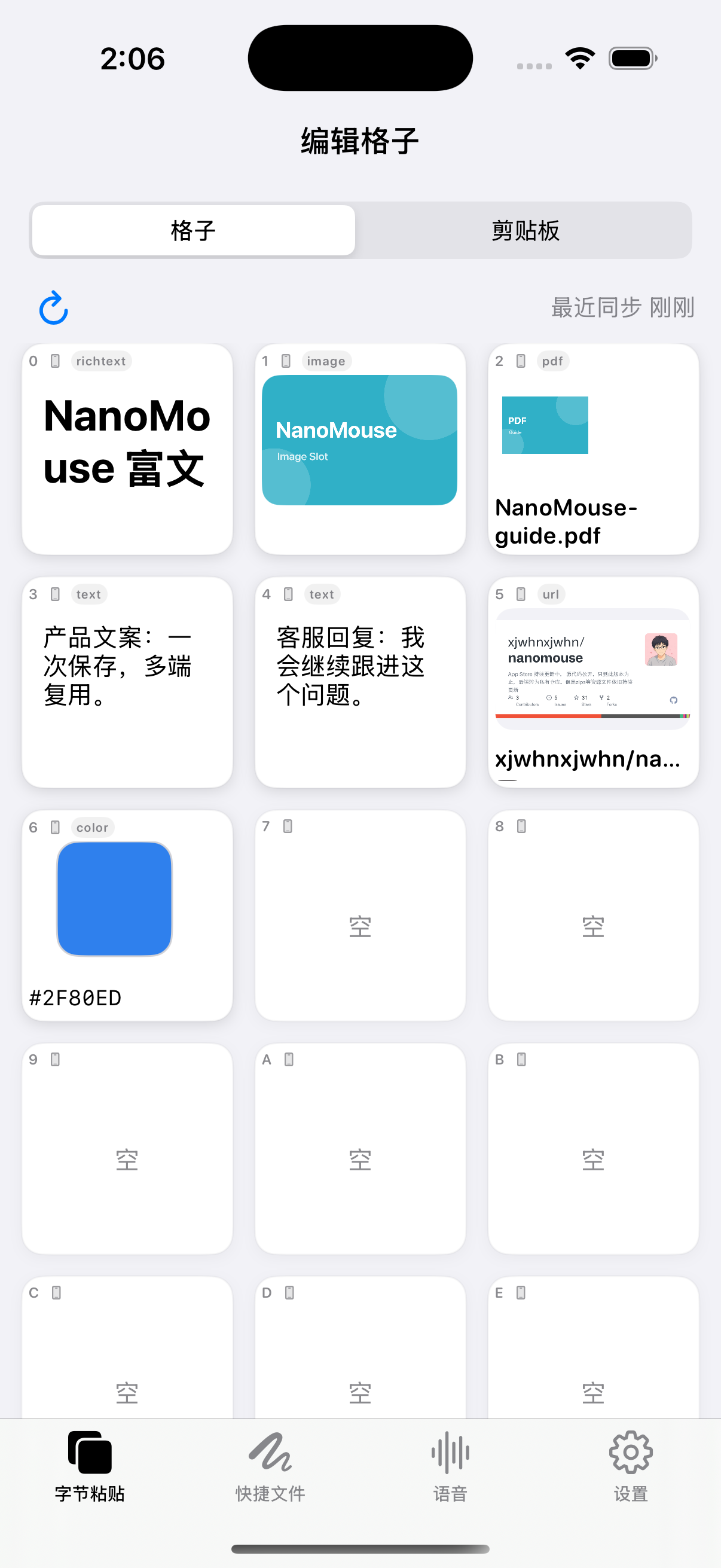
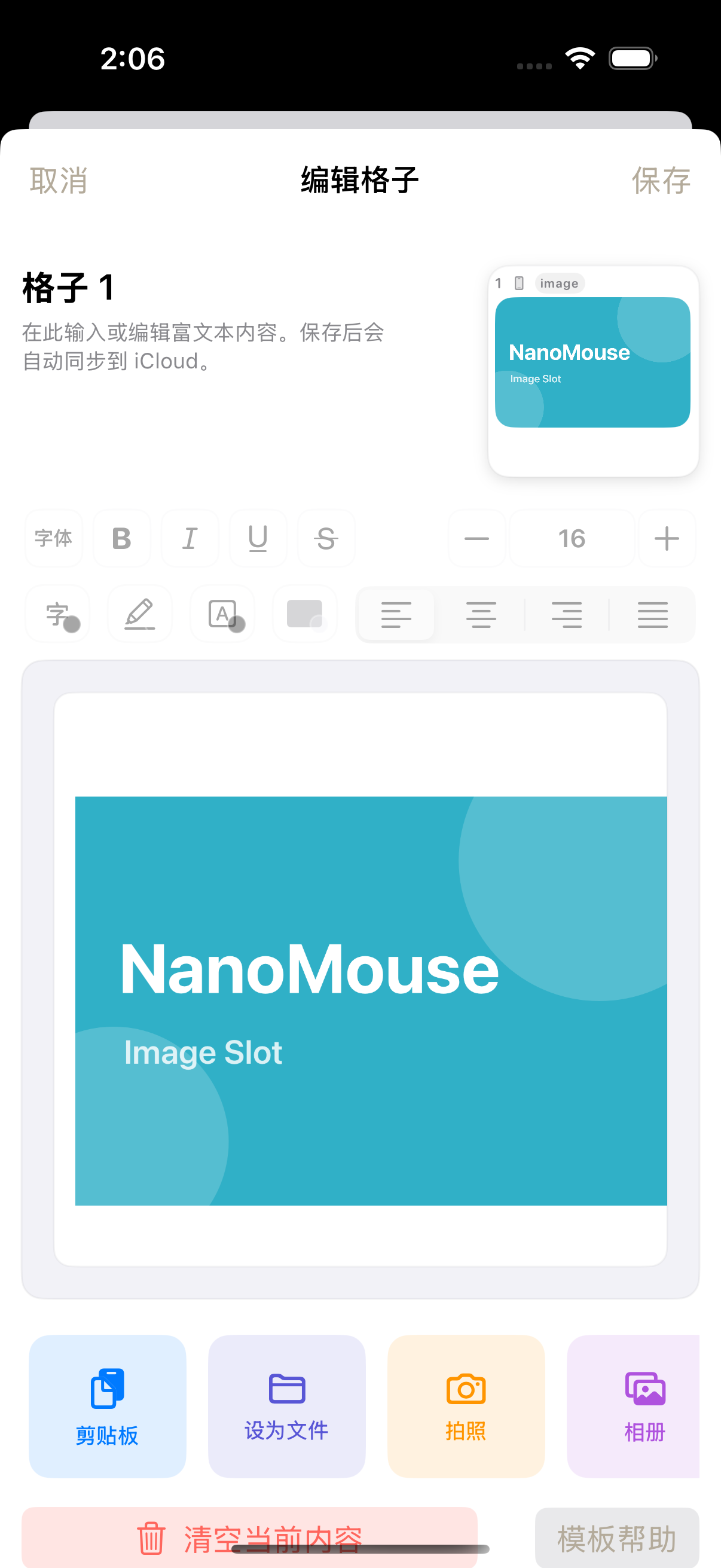
Store reusable text, AI prompts, rich text, images, links, PDFs and files in NanoMouse cells, then reuse them from the main app, Mac and keyboard.
NanoMouse separates local clipboard history, same-account iCloud synchronization and invitation-based clipboard channels between different Apple IDs.
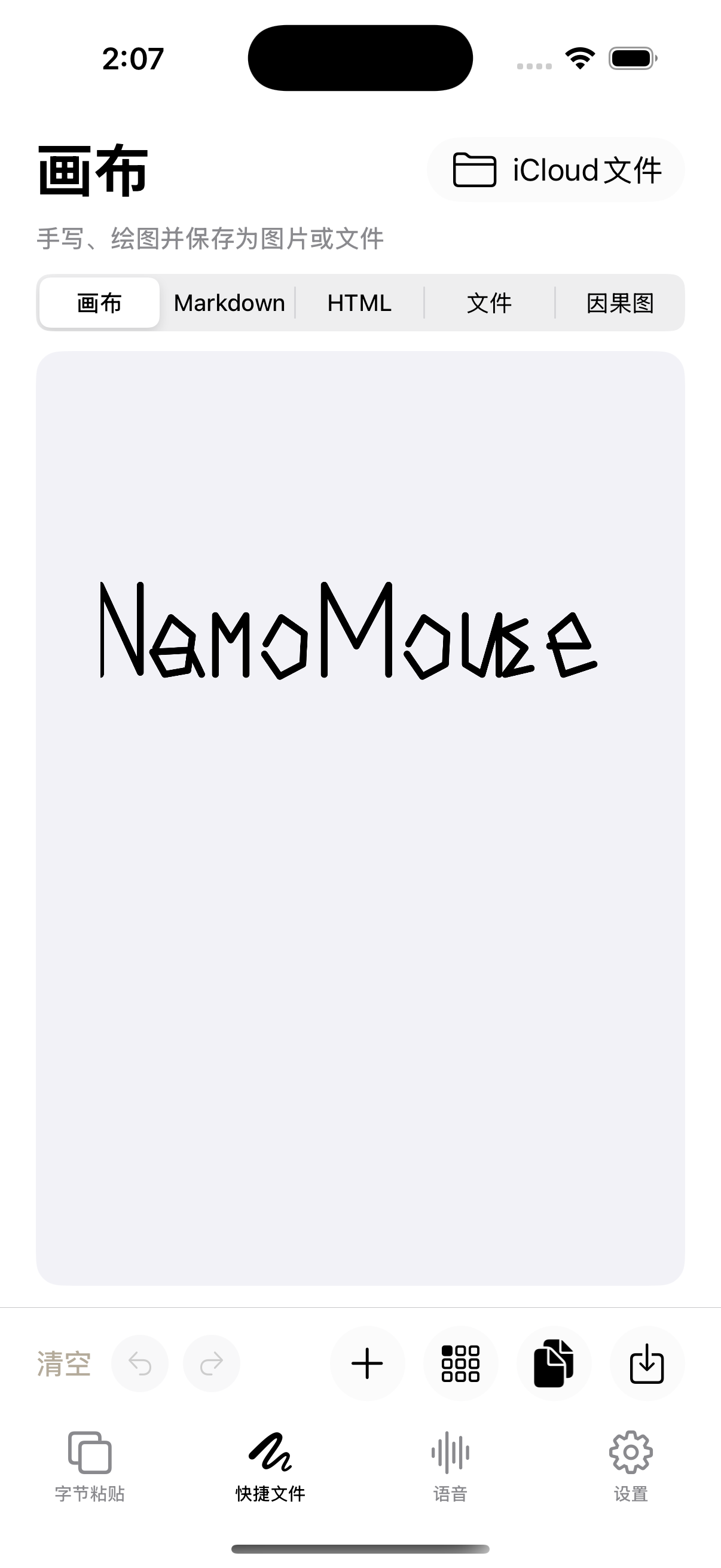
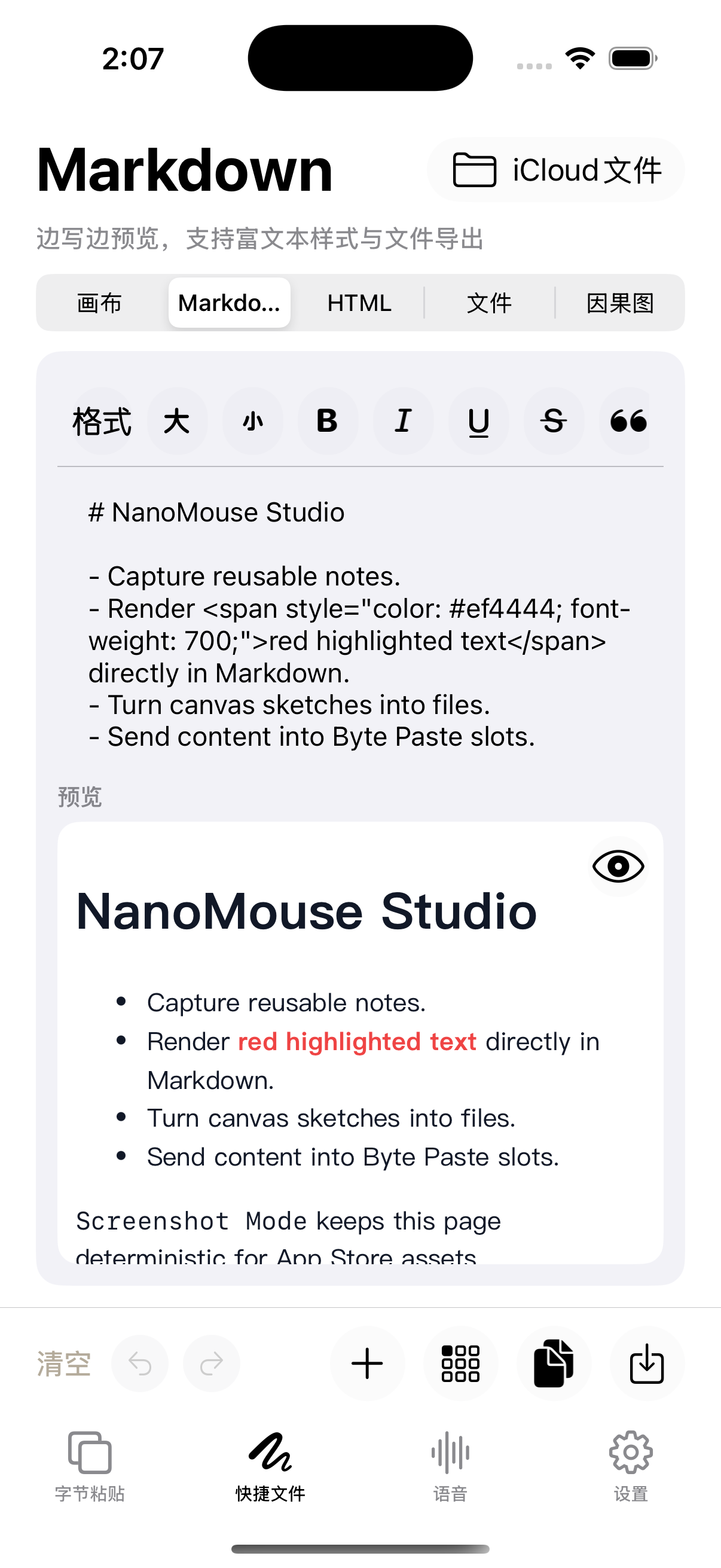
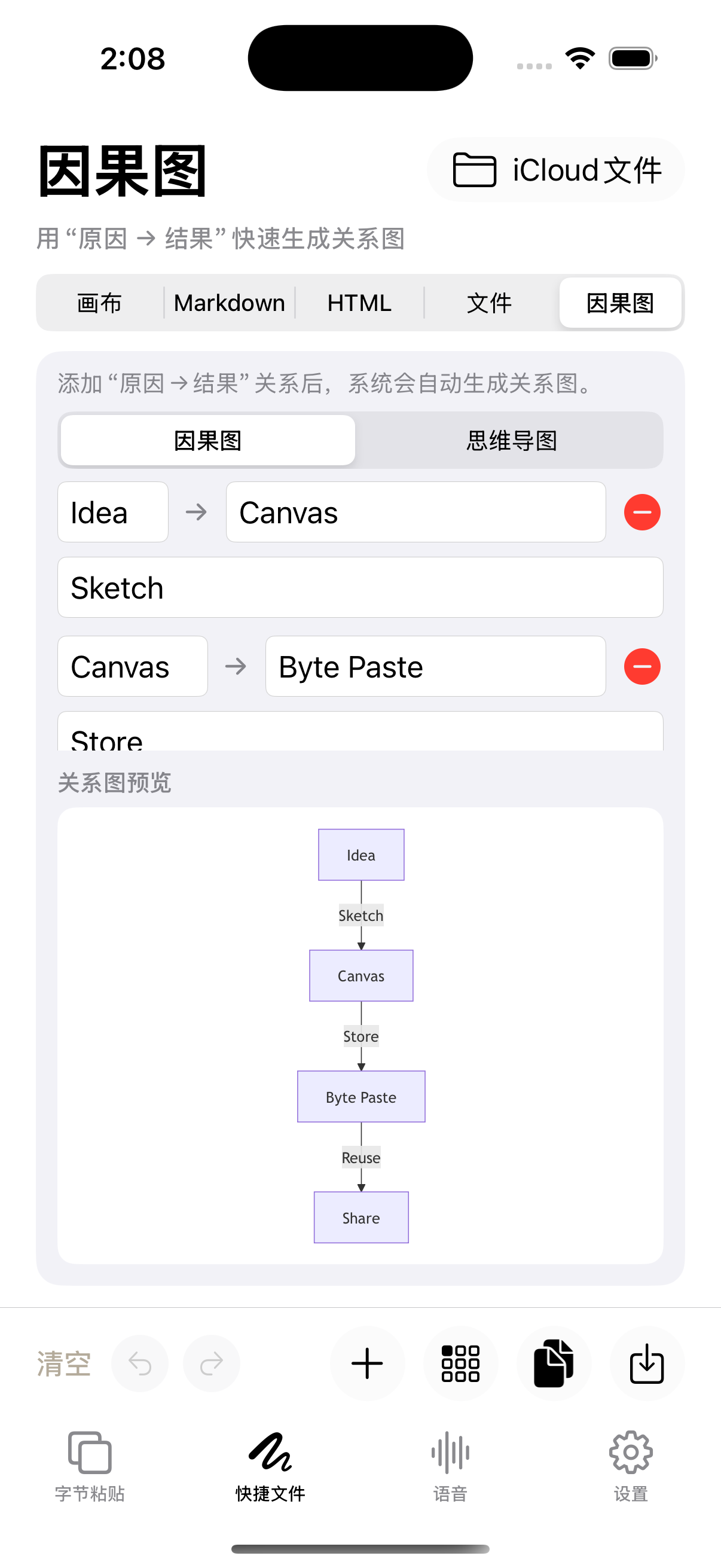
NanoMouse connects Markdown, handwritten canvases, HTML, causal diagrams, mind maps and diaries to a reusable input workspace.
Local typing, local correction, iCloud sync and cloud AI are separate NanoMouse data paths. Free accounts receive seven daily cloud AI requests; paid subscribers use a subscription-period allowance.
NanoMouse’s telegraph keyboard enters dots and dashes for Morse conversion. A separate cipher panel encrypts or decrypts text using the chosen algorithm, parameters and passphrase.
19 real workflows
Drag sideways to explore AI input, keyboards, Emoji, and creation tools
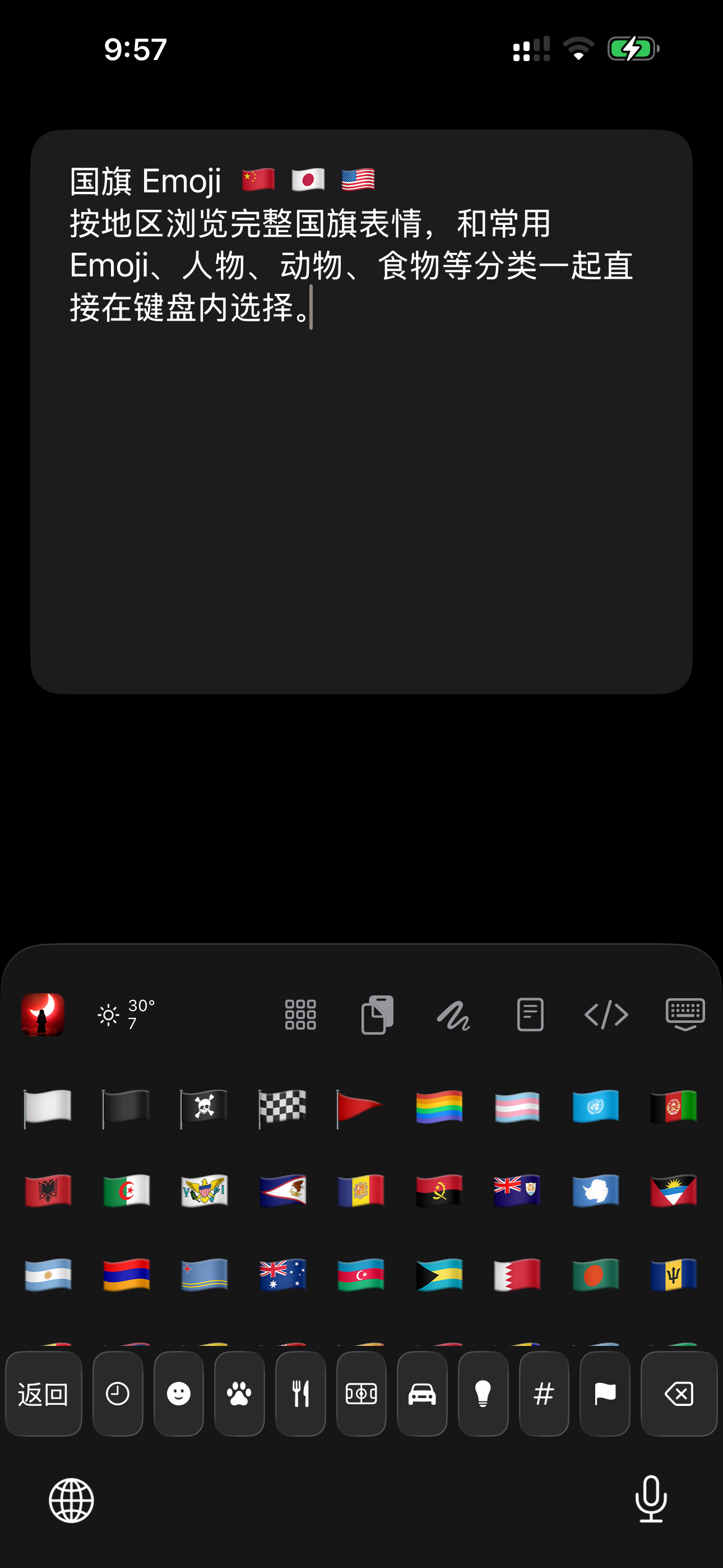
AI input
NanoMouse puts AI where writing happens. You invoke it, it works on the current text, and the result returns to the original input field only after you confirm it.
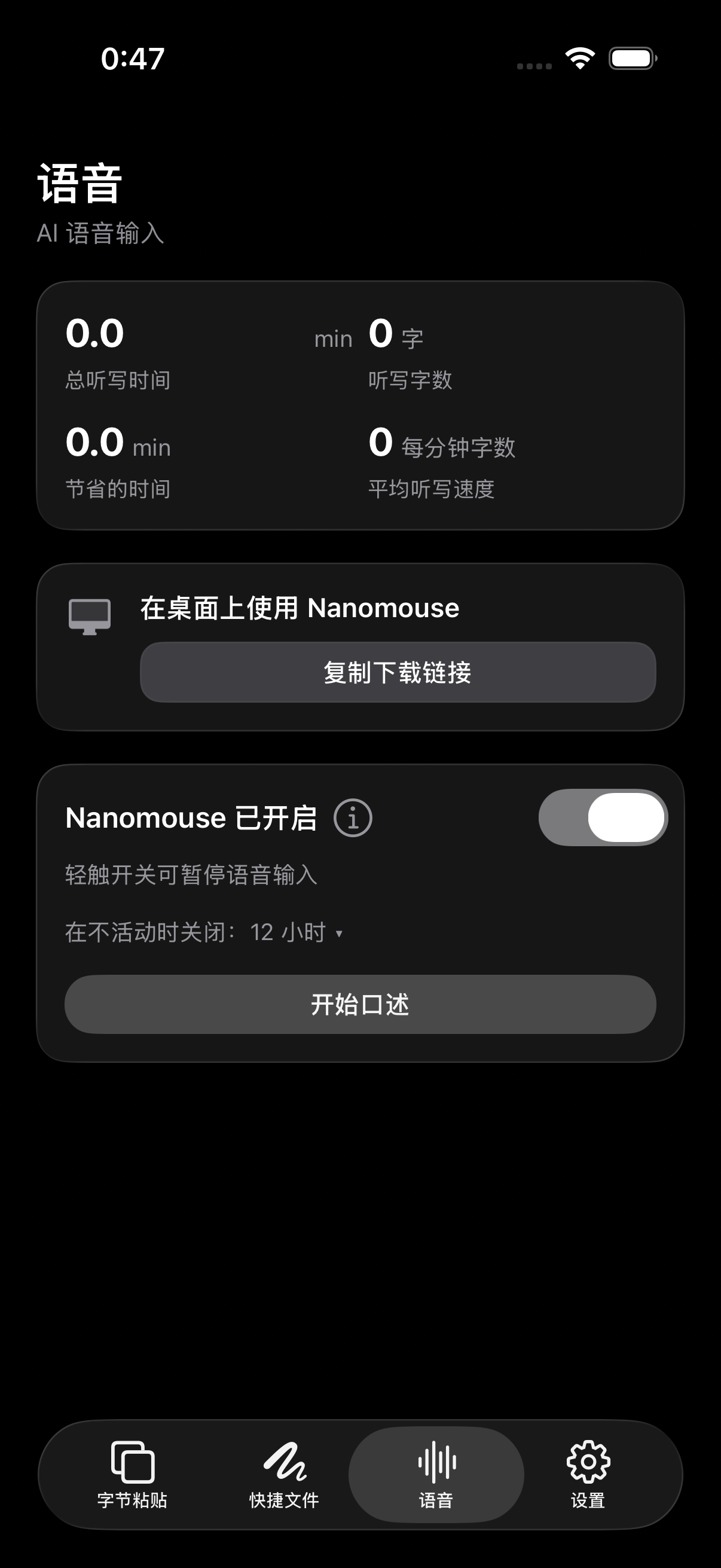
AI voice drafting
Capture speech with Apple Speech, offline Whisper, or online ASR, then clean up filler words, punctuation, and structure using the active preset.
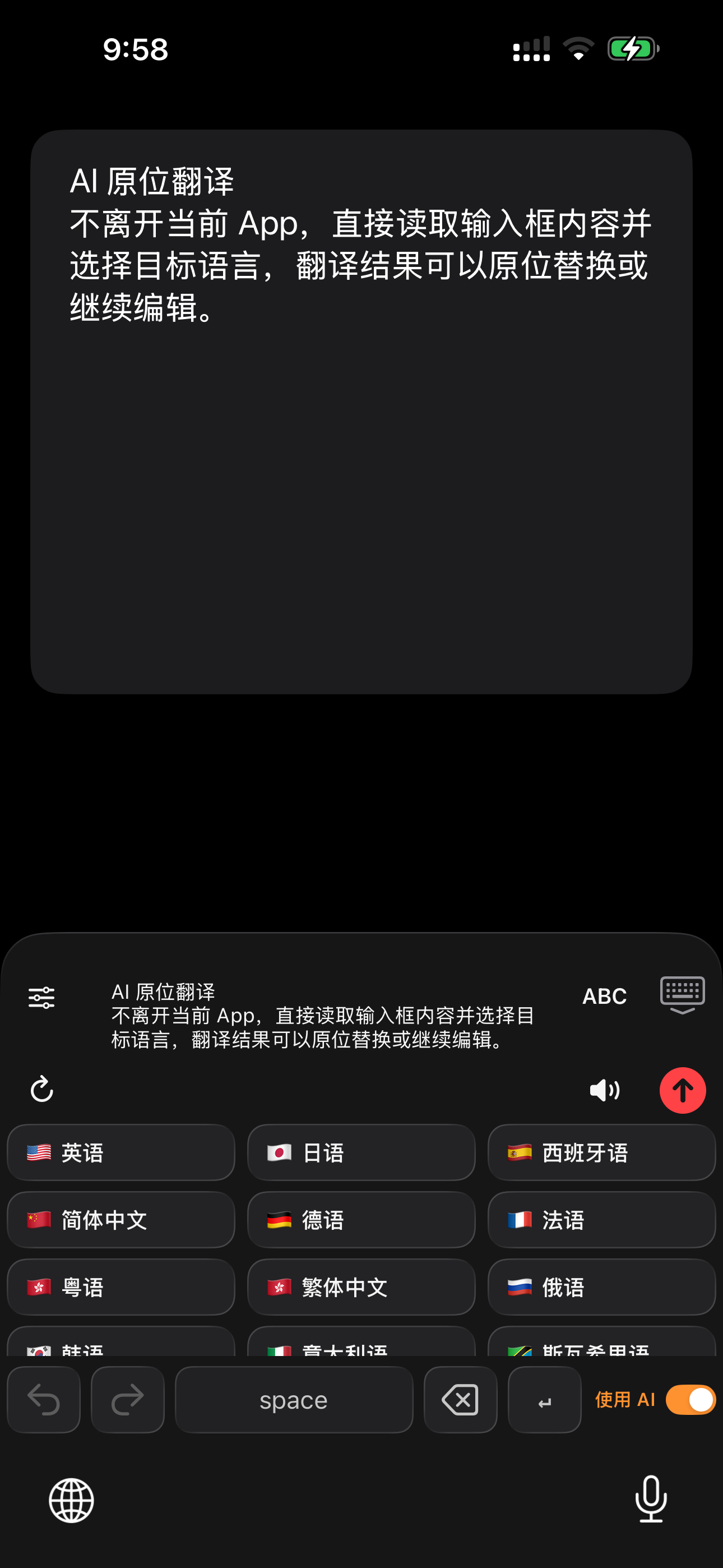
AI rewrite and translation
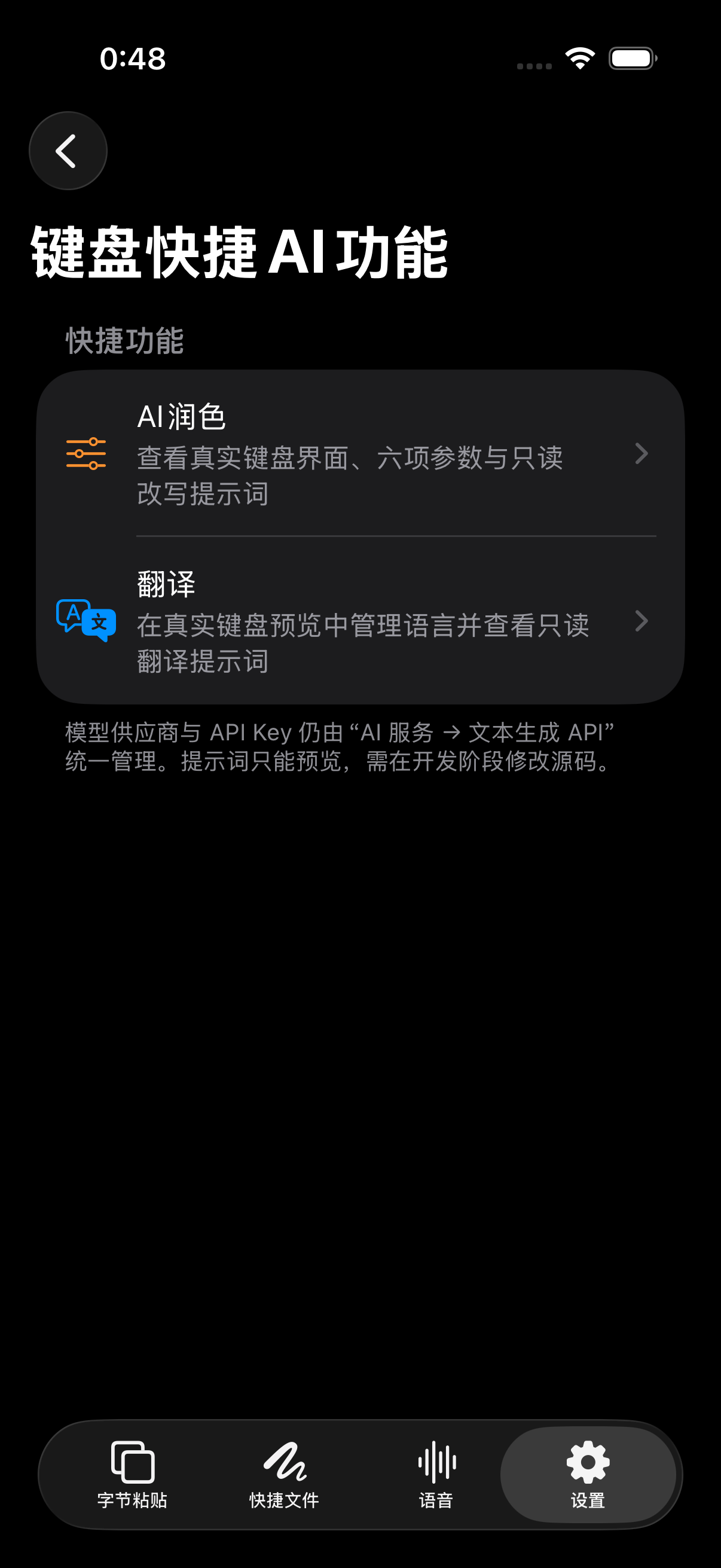
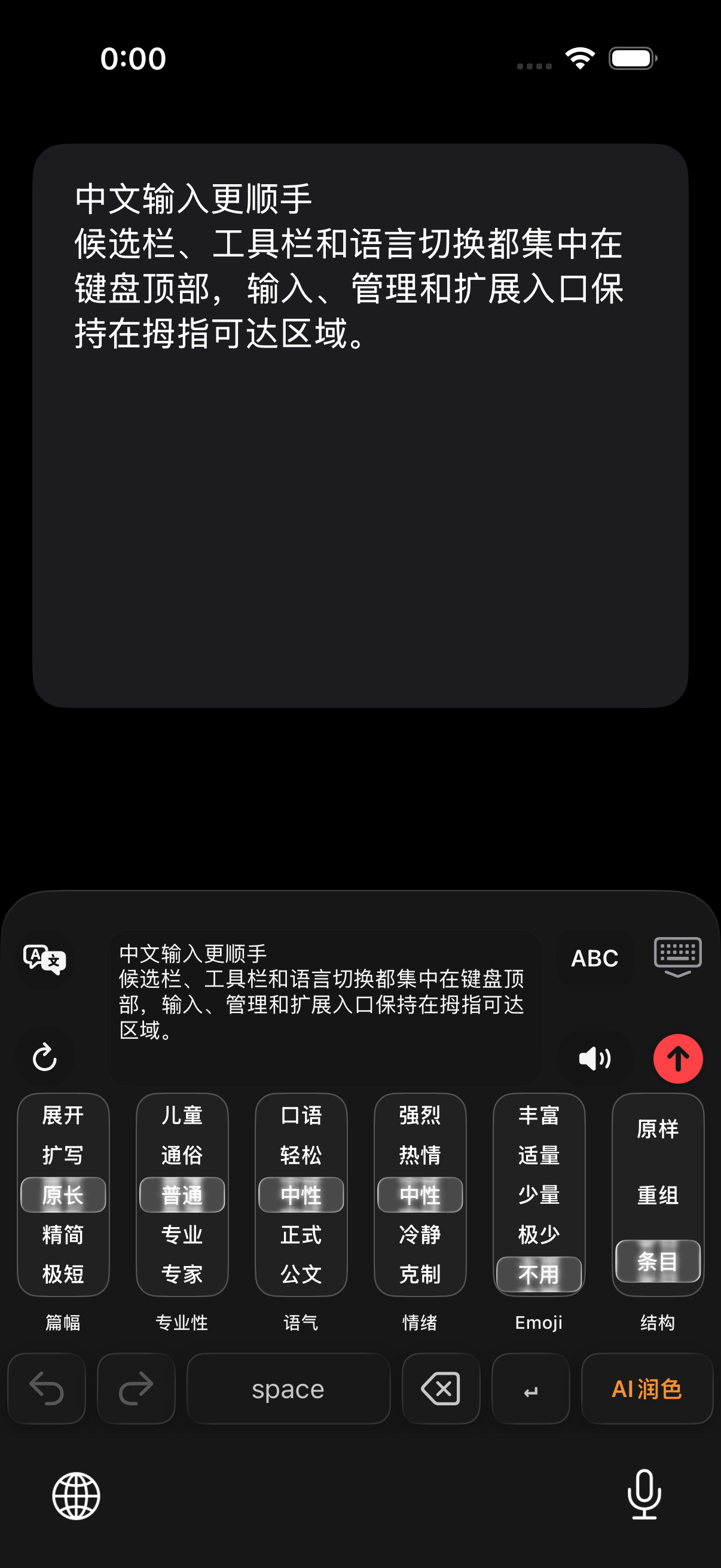
Read text you explicitly select or the current input field, rewrite or translate it in the keyboard, preview the result, and replace the original only after confirmation.
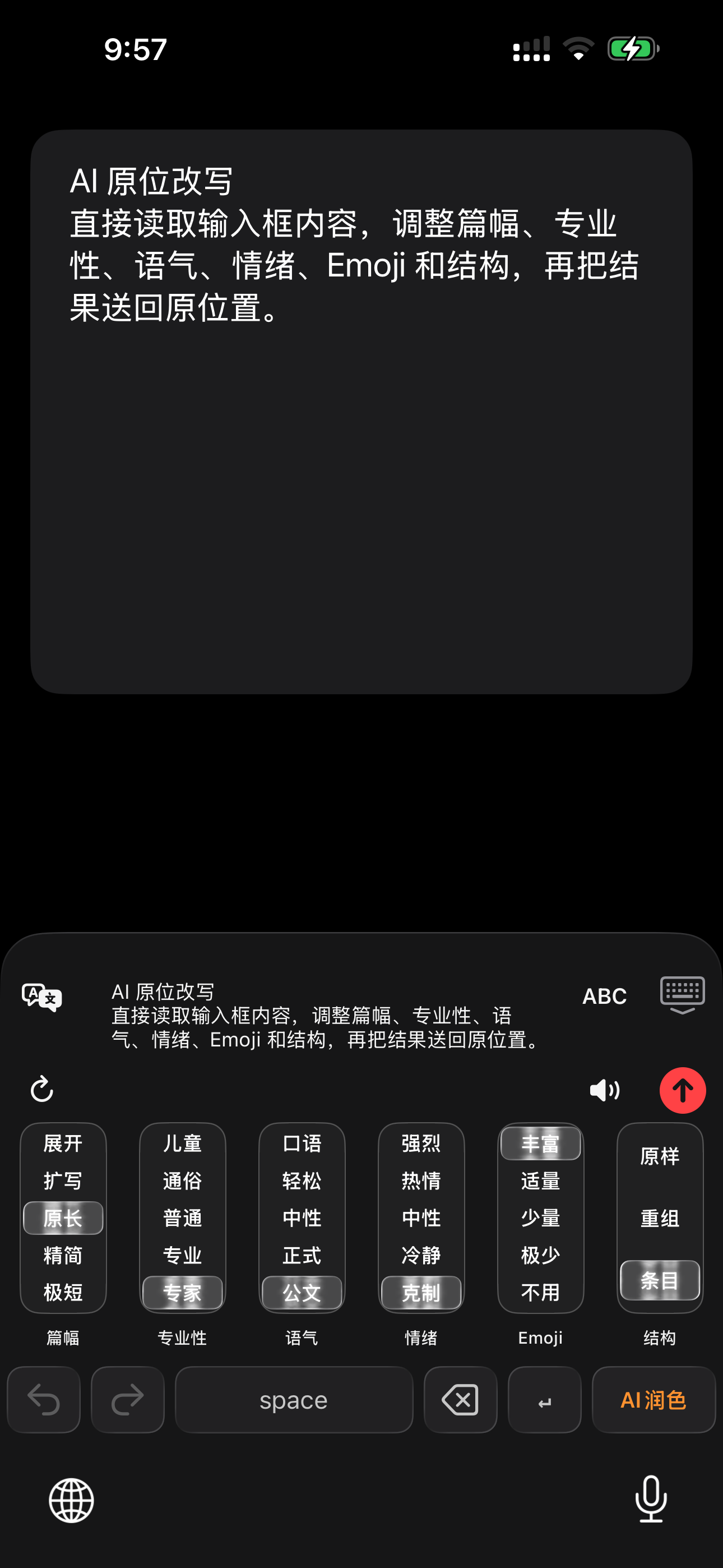
Six writing controls
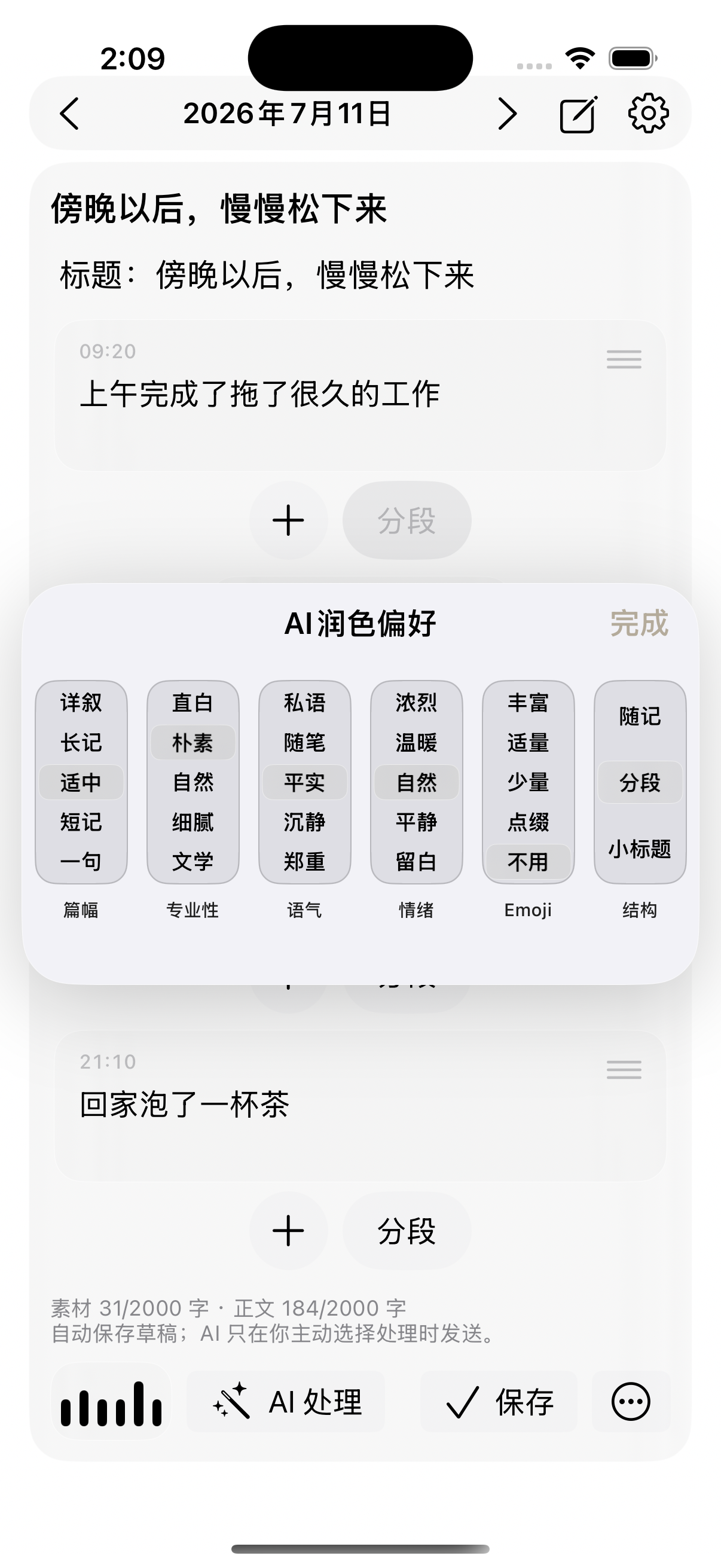
Control length, professionalism, tone, emotion, Emoji, and structure independently for chat, email, long-form writing, and work communication.
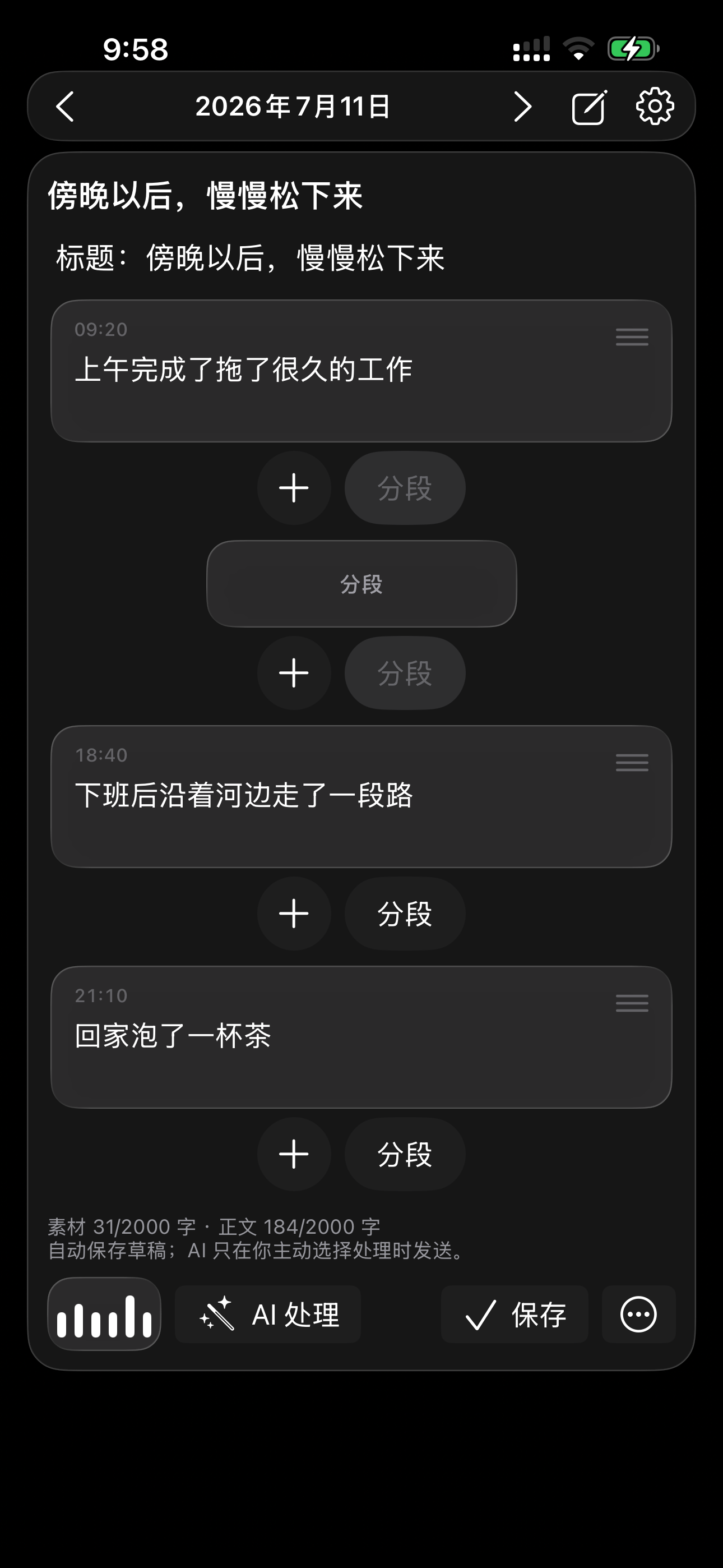
AI journal and material
Save fragments throughout the day, then organize them into a journal entry or editable draft using your chosen length, tone, and structure.
Input foundations and personal context
AI understands and organizes, Rime provides reliable input, and Byte Paste keeps the material you reuse. Together they form one continuous writing workflow.
Supports Rime Ice Pinyin, full Pinyin, Double Pinyin, Chinese 26-key and 9-key, Simplified/Traditional conversion, and mixed Chinese, Japanese, and English input.
Use Byte Paste for reusable phrases, prompts, clipboard items, images, PDFs, Markdown, and files, then access them from the keyboard.
Synchronize Byte Paste content and creative files across iPhone, iPad, and Mac signed in to the same iCloud account.
Where NanoMouse is going
Byte Paste, clipboard history, journals, chat screenshot analysis, contact profiles, Markdown, and Canvas are not isolated features. They are personal input materials that can be saved, organized, and reused. NanoMouse will keep bringing them into AI-assisted writing with explicit permission and visible controls.
Frequently asked questions
NanoMouse is an AI keyboard for iPhone and iPad. It combines Rime Chinese input, AI voice drafting, rewriting, translation, and reusable personal material in one keyboard workflow.
After enabling the NanoMouse keyboard, you can use it in chat, mail, notes, office, and social apps that support third-party keyboards. Secure fields may switch back to the system keyboard under iOS rules.
Ordinary dictation mainly converts speech to text. NanoMouse can also remove filler words, add punctuation, and organize the expression with a preset so the result is closer to a ready-to-send draft.
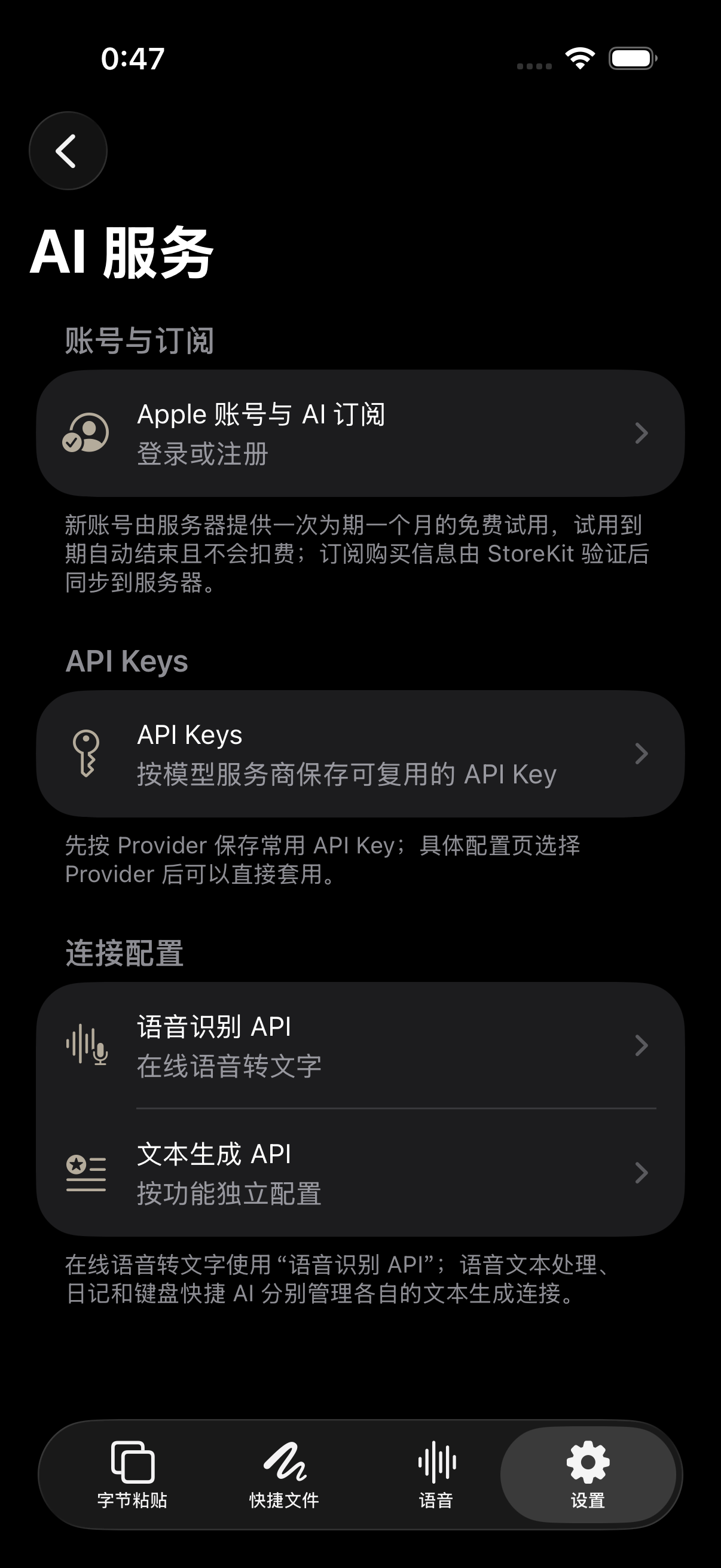
No. Rime input runs locally, and some recognition or translation can use Apple or local capabilities. Whether online rewrite, translation, or ASR uses the network depends on the feature and service channel you explicitly enable.
NanoMouse supports Chinese 26-key, Chinese 9-key, full Pinyin, and Double Pinyin through Rime. On the Chinese 26-key layout, the syllable separator is left of A and Return is right of L for continuous composition.